Is the newest model of your streaming stick actually any faster
Usually yes, and usually not by enough to matter, and the cases where it does matter are specific enough to name.
Streaming sticks are cheap, they get replaced casually, and the marketing leans on numbers that do not describe the experience.
What actually makes a stick feel slow
Memory, more than processor speed. These devices ship with very little RAM, and when apps grow, which they do every year, a device that had enough memory in 2020 does not have enough now. That shows up as apps reloading from scratch when you switch, and as long pauses opening a service you were using ten minutes ago.
Storage speed and capacity. Cheap flash storage fills up and slows down, and when there is no room for cache, everything gets slower.
Software bloat. Manufacturers add features and advertising to the home screen, and each update asks more of hardware that has not changed.
Your network, which is frequently the real culprit and is not the stick's fault at all.
So the honest test
Before you buy anything, work out whether it is the stick or the network.
Run a speed test on a phone standing where the television is, not where the router is. If the number there is poor, a new stick will not fix it.
Look at what happens when you start something. If the app takes a long time to open but the video plays smoothly once it starts, that is the device. If the app opens quickly and the video buffers or drops resolution, that is the network.
That single distinction saves a lot of people thirty dollars.
When a new one is genuinely worth it
If yours is more than about four years old. That is roughly the point where memory constraints bite and where security updates stop.
If it has stopped receiving updates. This is the one I would actually push. An unsupported device on your home network, signed into your accounts, is a real risk and a small one to fix.
If you have changed the television. A newer set may support formats the old stick cannot pass through, and a mismatch there can leave you watching a lower quality picture without realising it.
If you have upgraded your internet significantly. Older sticks have older wireless radios and cannot use what you are now paying for.
If you want a feature the old one does not have, and you have checked that your television supports it too. There is no point buying a device for a format your set cannot display.
When it is not worth it
If it works and it is two years old, the generational improvement will be real on a benchmark and barely noticeable on your sofa.
Try these first. Clear the cache on the apps you use. Uninstall everything you do not use, because background updates consume storage and bandwidth. Restart the device properly, unplugged for a minute, which people almost never do. Move the router, or move the stick onto the five gigahertz band if it supports it.
Those four things fix a large share of complaints.
The ethernet point
Almost nobody does this and it is the biggest single improvement available for a streaming device.
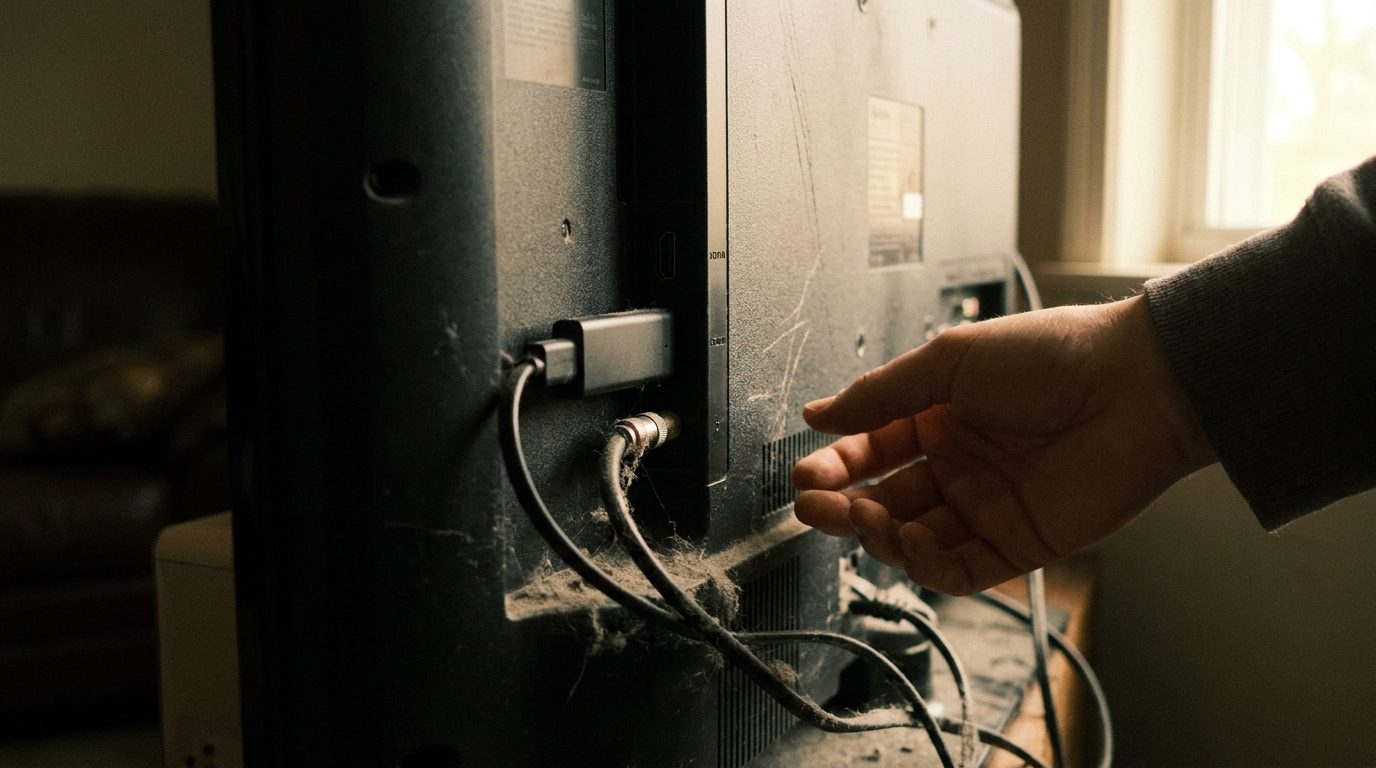
Most sticks support a wired connection through a small adapter, which costs very little. A wired connection removes wireless interference entirely and it is dramatically more consistent, particularly in a flat with many neighbours.
If your television is near the router, this is the upgrade I would make before buying anything new.
What I actually recommend
Work out whether the problem is the device or the network. Do the four free things. If it is still slow and the device is over four years old, replace it, and buy whatever mid range model is current rather than the cheapest one, because the cheapest ones are where the memory is cut.
I have a drawer of these too. Most of them were replaced before they needed to be.