How many times can you restart a failing laptop before it dies
Restarting fixes a great deal, which is why it is the first thing anyone in support asks you to do. It also hides things, and the hiding is what eventually costs you.
A restart clears memory, ends stuck processes, releases file locks and reinitialises drivers. If a machine works properly after a restart and then degrades over hours or days, that pattern points at software, and it is usually fixable.
If a machine needs restarting to get through a single task, something physical is failing and the restarts are buying you time on a loan.
What the pattern tells you
Write down when you restart and why. Three or four entries and the shape becomes obvious.
Getting slower over a day, fine after a restart. Software. A memory leak in something you run, too much starting at boot, or a failing background service.
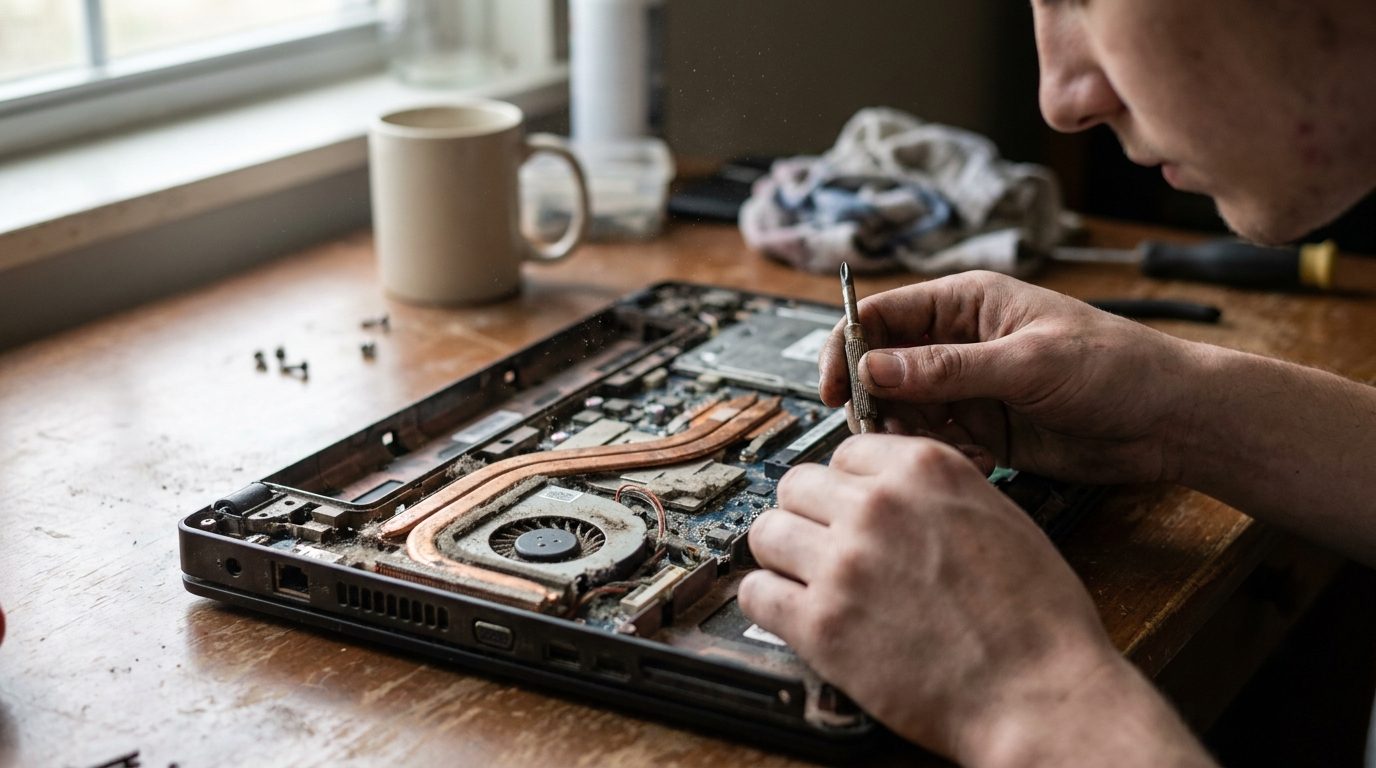
Freezing under load, when rendering or compiling or on a video call. Heat, most likely. Dust in the fan and dried out thermal paste, and the machine is throttling or shutting down to protect itself.
Random freezes with no pattern, sometimes minutes after boot. Memory or storage. This is the one to take seriously.
Blue screens or kernel panics with the same error code. Read the code. It is the single most useful piece of information you will get and people ignore it.
Will not boot until the third attempt. Storage or power. Drives that fail to spin up or initialise on the first try are not going to improve.
The honest answer to the question
There is no number.
A machine with a software problem can restart indefinitely. A machine with a failing drive might have weeks or might have hours, and nobody can tell you which from the outside.
What I can tell you is that the moment you find yourself restarting to get through normal work, you have entered the period where the next boot might be the last one. That is the point to act, not the point to keep going.
What to do right now
Back up. Before any diagnosis, before any repair attempt.
If the machine boots at all, copy your files to an external drive or to cloud storage today. Not this weekend. Documents, photographs, anything you have not backed up.
I have had this conversation with people who wanted to discuss whether to repair or replace, and my answer is always that the decision can wait an hour and the backup cannot.
Then diagnose
Check the temperature with a monitoring tool while you do something demanding. If it climbs steeply and the fan is loud or silent when it should not be, that is heat, and a clean and repaste is a modest job that often restores a machine completely.
Run the memory test. Windows has one built in and there are better standalone tools. Let it run a full pass, which takes a while.
Check the drive's health data, which every modern drive reports. Reallocated sectors, pending sectors, or a wear indicator near its limit mean the drive is finished, whatever it currently appears to be doing.
Look at the event log or system log for what happened just before each crash.
What is worth fixing
Dust and thermal paste, always. Cheap and it often solves the whole thing.
A drive, usually. Replacing a drive in a laptop that is otherwise fine is good value, and if it is still a mechanical drive, moving to solid state makes the machine feel new.
Memory, if the slots are accessible. Many recent laptops have it soldered, which decides the question for you.
A battery, if the machine only misbehaves off mains power.
A motherboard, almost never. At that price you are most of the way to a replacement machine.
The thing I would tell everyone
A computer that needs restarting is telling you something specific, and the restart is you agreeing not to listen.
Listen once, early, and it is a forty dollar part. Listen late and it is everything on the drive.