What actually happens to your smart TV during a power outage
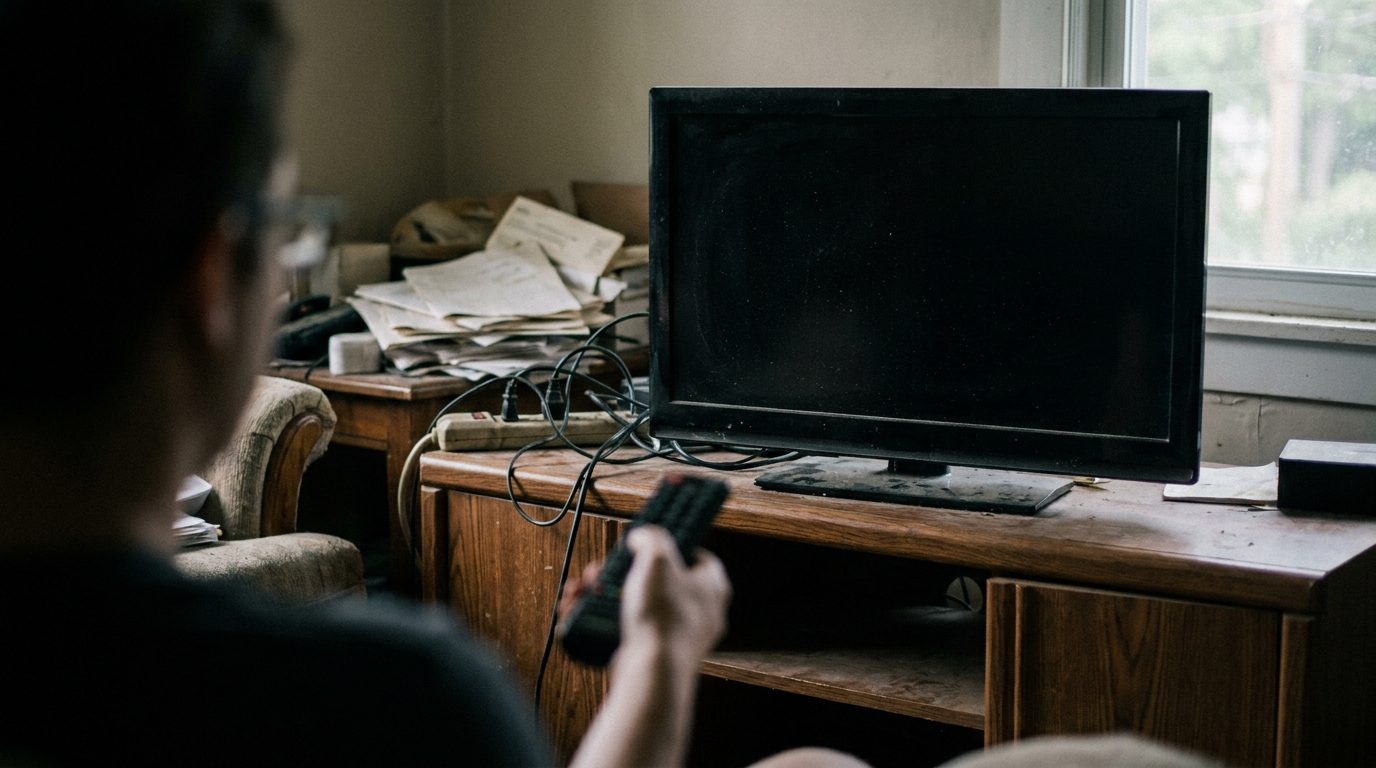
A television is not an appliance any more. It is a computer with a very large screen, and computers do not enjoy having the power removed without warning.
Most of the time nothing bad happens. The interesting question is what the failures look like when they do happen, because the pattern tells you what to fix.
The immediate risk is not the screen
The panel itself is robust. What is vulnerable is the flash memory holding the television's software, and the power supply board.
Flash memory is at risk if power is cut during a write. Televisions write constantly: settings, app data, viewing state, and firmware when they update. A cut in the middle of a firmware update is the worst case and it is the one that leaves a set that will not boot at all.
Power supply boards are at risk from what happens when the power comes back. The return is rarely clean, and a surge on restoration is a real phenomenon.
What failure looks like
Stuck on the logo screen, or a boot loop where it starts, shows the manufacturer's name, and restarts. That is corrupted software.
Boots normally but apps crash, or it has forgotten your settings and accounts. Partial corruption, and usually recoverable.
No power at all, or a clicking noise, or a standby light that blinks a pattern. Power supply, very likely. The blink pattern is a diagnostic code and the service manual decodes it.
Picture with no sound, or sound with no picture, after an outage. Usually a board, and usually worth a repair quote before replacement.
What to try first
Unplug it from the wall and leave it for a full minute, then hold the power button on the set itself, not the remote, for about fifteen seconds while it is unplugged.
That drains residual charge from the capacitors and forces a genuine cold start. It sounds like folklore and it is not: modern sets hold state and a proper power cycle clears it. This fixes a meaningful share of post outage problems.
If it boots but behaves oddly, look for a factory reset in the settings. You will have to sign into your apps again, which is annoying and much less annoying than a service call.
If it will not get past the logo, check whether the manufacturer supports a USB firmware recovery. Many do. You download the firmware file on a computer, put it on a USB stick, and follow a specific button sequence. It is fiddly and it works.
Preventing it
A surge protector is the minimum, and it is genuinely minimal. Surge protectors wear out absorbing surges and most people never replace them. Look for one with an indicator light and replace it after any significant event.
An uninterruptible power supply is the real answer, and for a television it is a modest one. You do not need the television to keep running through an outage. You need it to shut down cleanly instead of being cut off, and a small unit does that for a television and a streaming box.
The case where I would insist on it is if your set updates firmware automatically and your supply is unreliable. Those two things together are how sets get bricked.
Turn off automatic firmware updates if your power is genuinely unstable, and update manually when you are there to watch it.
The warranty question
Damage from a power surge is frequently excluded from a manufacturer's warranty, which is fair enough since it is not a manufacturing defect.
It may be covered by your home insurance, subject to your deductible, and some surge protector manufacturers offer a connected equipment guarantee. Both of those are worth knowing about and both require you to have kept the receipt.
The general point
The thing that kills televisions in outages is not the outage. It is being interrupted mid write, and the return surge afterwards.
Both are cheap to protect against, and neither is what people think about when they buy a television.