Why your home Wi-Fi drops out at the same time every day
If your wireless fails at roughly the same time daily, that is a gift. A predictable fault is a solvable fault, and you can find it yourself in about a week.
Random failures are hard. This one is not.
Keep a log first
Write down the time it happens, how long it lasts, whether the router's lights change, and whether a wired device is affected at the same moment.
That last question is the important one. If a computer plugged into the router with a cable also loses connection, the wireless is not your problem. Your internet service is. If the wired device is fine and only wireless drops, the problem is inside your house.
Five days of notes will usually identify the cause.
The likely causes, by time of day
Evening, around six to ten. This is congestion, and it is the most common answer.
Everybody in your building or street is streaming at once. The two point four gigahertz band is crowded with neighbours' networks, and in a flat you may have thirty of them overlapping. Your router is not broken. It is shouting in a room where everyone is shouting.
The fix is the five gigahertz band, which travels less far through walls and is far less crowded. Put anything that can use it on it, and keep the older band for devices that need range.
Also change your channel. Routers pick automatically and often pick badly. A wireless analyser app on a phone shows you which channels your neighbours are on, and moving to a quieter one can transform the evening.
Middle of the night, two to four. Almost always a scheduled reboot or a firmware update, either by your router or by your provider pushing a configuration.
Check the router's settings for a scheduled restart, which some enable by default. If it is your provider, that is harder to change, and if it is happening while you sleep it may not be worth changing.
Same time each morning. Look at what switches on. A microwave, which emits in the two point four gigahertz band and is a genuine and well documented source of interference. A cordless phone base. A baby monitor. A neighbour's equipment on a timer.
Microwave interference is a classic and people dismiss it as a myth. It is not. Stand next to the microwave with a phone and watch the signal while it runs.
Working hours only. Usually more devices, more video calls, and a router with an old radio struggling with the number of simultaneous connections.
Hot afternoons. Heat. A router in a cupboard, in direct sun, or stacked under a cable box will throttle and eventually drop. Move it into open air and see whether the pattern changes.
Things worth doing regardless
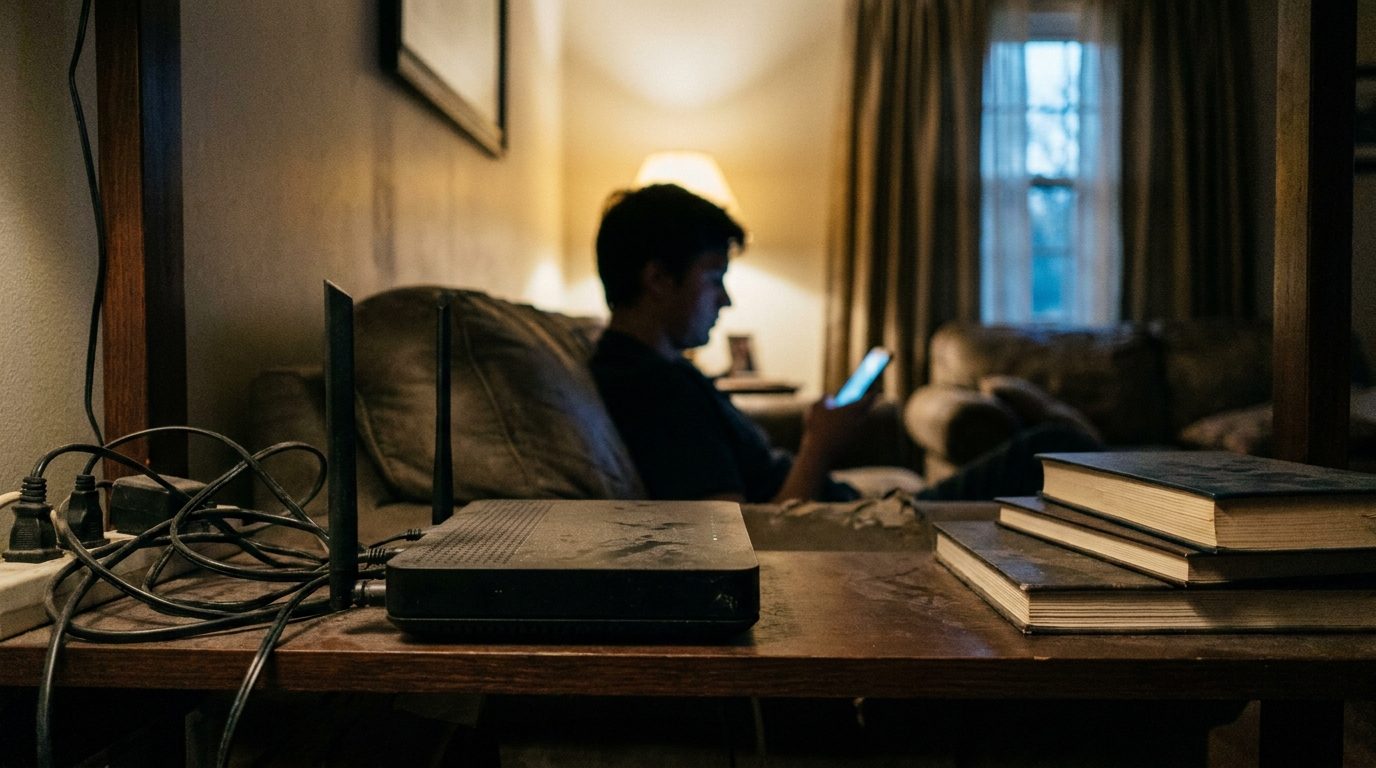
Put the router in the open, high, central, away from metal, the television, and any large body of water including a fish tank.
Update its firmware. Manufacturers fix real bugs and most people never look.
Restart it once a month. Not daily, which is a workaround, but occasionally.
Check how many devices are connected. Modern households have more than people realise once you count thermostats, doorbells, speakers and televisions, and cheap routers handle a limited number well.
When it is the provider
If wired devices drop at the same time, call them and have your log ready. Dates and times are the difference between being told to restart your router and getting an engineer.
Ask them to check the line for errors and to look at whether the fault correlates with load in your area. Neighbourhood congestion on a shared line produces exactly this pattern and they can see it on their side.
A log with five dated entries carries more weight in that conversation than any amount of explaining, and it is the one thing almost no customer brings.